
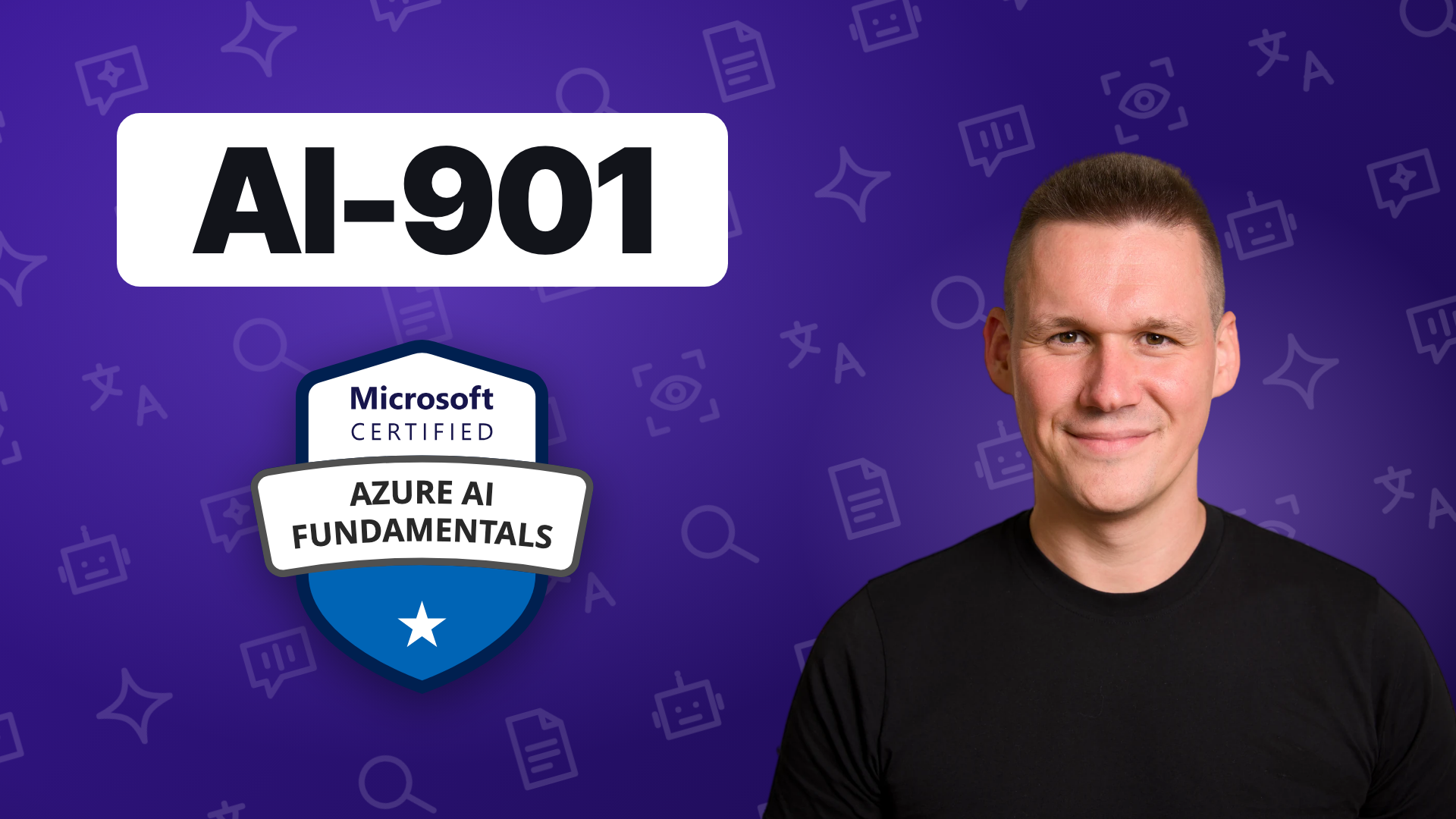
What this course is
A hands-on introduction to AI on Azure for the AI-901 exam. You deploy your own Microsoft Foundry resource and project, then build on it lab by lab: a chat client with the Foundry SDK, agents in the portal and in Python, and the Foundry Tools for language, speech, vision and documents. Every lab runs in your own Azure subscription.
What you get
- The full course: 7 hours of video.
- Course visuals: every lecture graphic as 4K slides in one PDF, plus the diagrams in a zoomable map viewer.
- Source code: the lab code from the course.
- Practice questions, taken in the browser.
- A study guide, as a PDF.
Who this is for
- Anyone preparing for the AI-901 exam (Microsoft Certified: Azure AI Fundamentals)
- IT professionals and cloud administrators starting with AI on Azure
- Developers new to Microsoft Foundry and the Azure AI services
- Architects, analysts and technical project managers who need a practical grounding in AI on Azure
What you need
- An Azure subscription where you are Owner, or Contributor plus User Access Administrator. Azure usage is billed to that subscription, separately from the course.
- Python 3.10 to 3.12, Visual Studio Code with the Python and Jupyter extensions, and the Azure CLI. On Windows, Git for Windows, so the setup script runs in Git Bash.
- Basic familiarity with Python: reading and running notebooks.
Course curriculum
- Foundry Agent Service (3:06)
- Create an agent with the Foundry portal (11:50)
- Build an Agent and Improve It with the Agent Optimizer (16:21)
- Create your first agent with Python (13:23)
- Create a web searcher agent with Python (7:58)
- Create a code interpreter agent with Python (12:07)
- Create an image generation agent with Python (13:49)
- Practice quiz · Agents in Microsoft Foundry
- Answers explained · Agents in Microsoft Foundry
About the instructor
Christopher Nett
Security Architect @ Microsoft · Content Creator
I have worked in cybersecurity since 2014, from incident response to cloud security to security architecture, and joined Microsoft in 2022. Since 2023 I have published courses on Microsoft Security, Azure and AI.
- CISSP
- CCSP
- CISM
- M.Sc. IT Security
- MBA
Frequently Asked Questions
Can I download the videos?
No. The videos stream on the platform. The source code, the course visuals and the study guide are downloads.
How long do I have access?
It is a one-time purchase. Access and use are set out in the Terms of Sale.
What if the course is not right for me?
You have a 14-day money-back guarantee.
Is there a community?
Yes. Join the Discord community: https://discord.gg/QfC2RJ2ZYN. It is free and open to everyone.